Canadian storage for your off-site backups.
Give your backups a Canadian destination. Connect your S3 source once, choose a schedule, and review every run. Then check that your copied files read back.
Hosted and Operated in Canada

The Canadian leg of your backup plan.
Add an off-site destination alongside your working storage and existing backups. Storm is one part of that plan: a separate copy in Canada.
See Storm Buckets in action.
Product screens · example data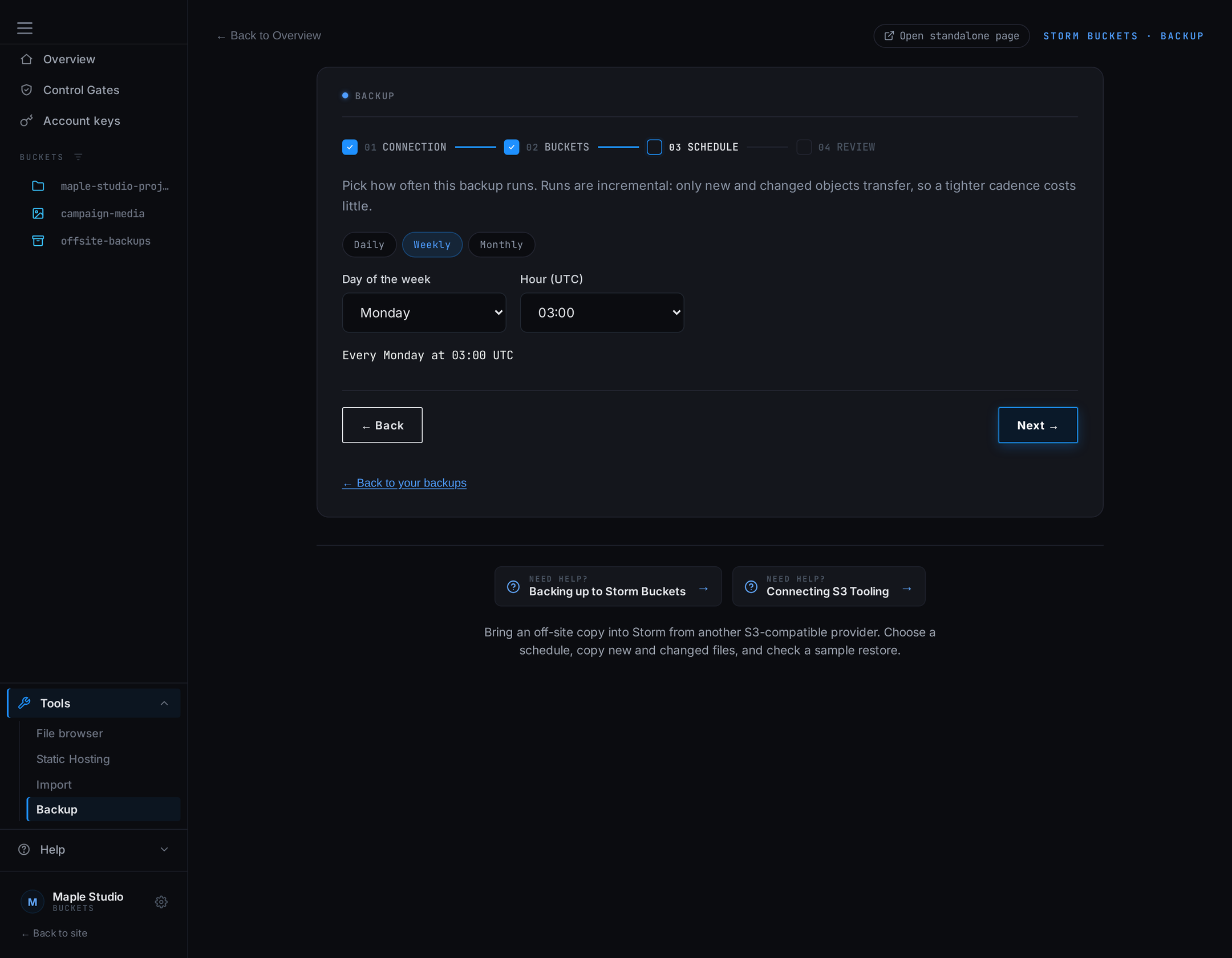
Choose your schedule
Choose a daily, weekly, or monthly S3 pull and its run time.
Set up your backup schedule →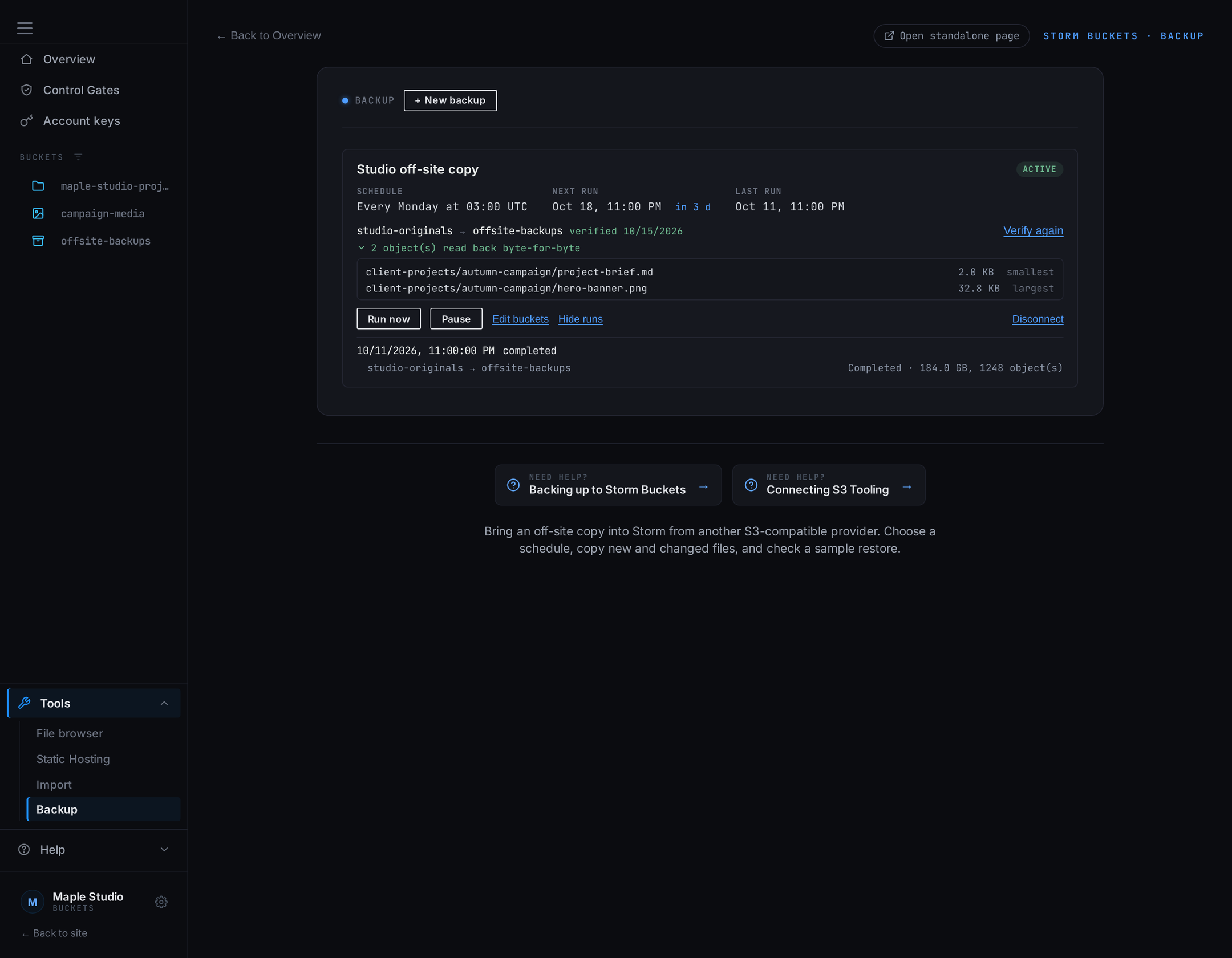
Manage your backup
See the destination, recent activity, and the result of a sample restore check.
Read the backup guide →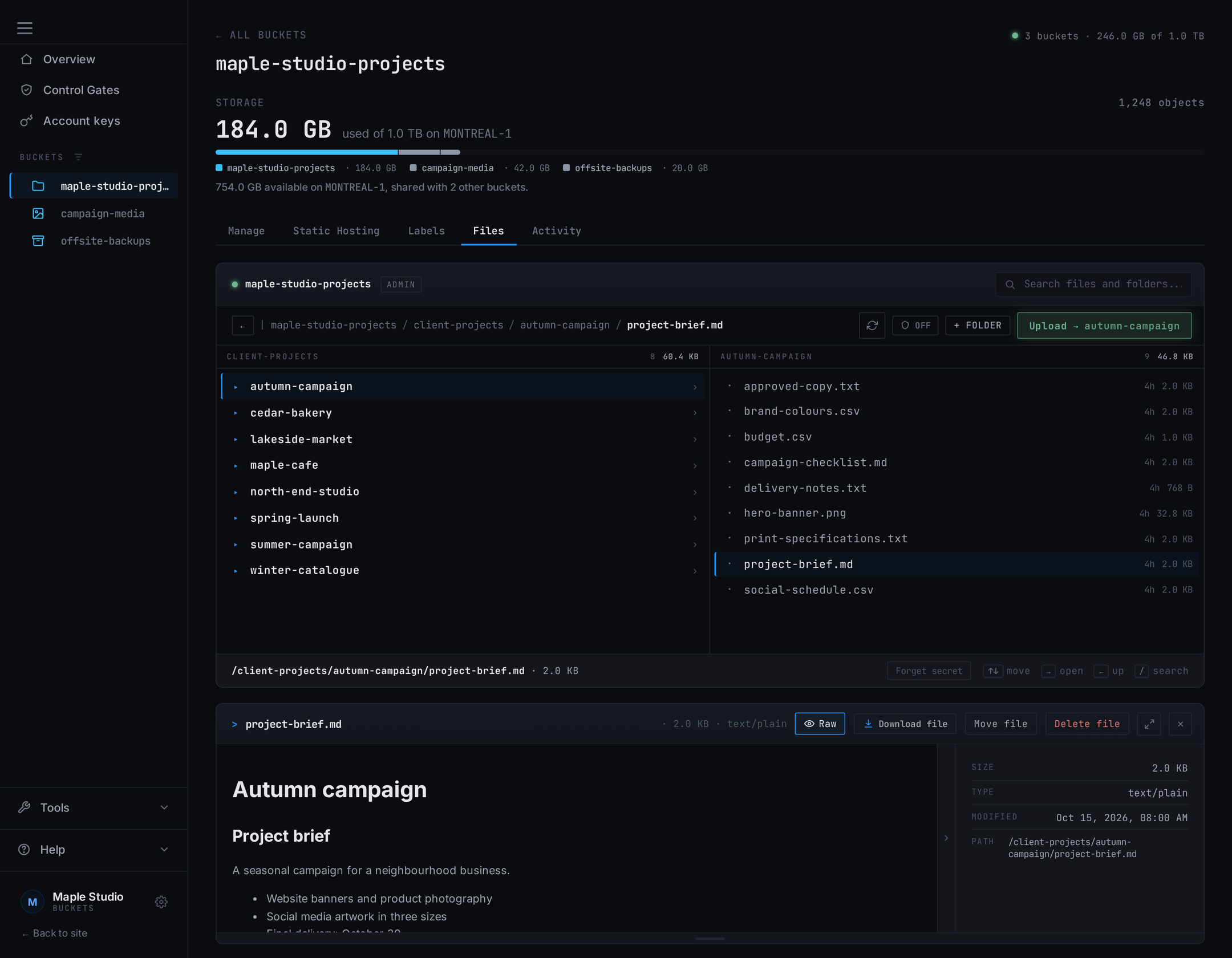
Check recovery
Browse copied files and download what you need from Bucket Explorer.
Browse and recover copied files →Two ways to back up. One Canadian destination.
Use your own backup tools
Connect an S3-compatible backup application directly to Storm Buckets. Keep your existing workflow, with its encryption, history, and retention, and use Canadian storage as the destination.
Let Storm copy from S3
Connect another S3-compatible provider and choose a daily, weekly, or monthly schedule. Storm copies new and changed files to a separate Canadian bucket. Files deleted at the source stay in your copy.
Check what you can recover
Review completed runs and test retrieval of a sample of copied objects, compared byte for byte. The dashboard shows which files were checked and when.
Read the scheduled backup guide →
Scheduled Backup connects to S3-compatible storage. For files on your computer or another service, use a compatible backup client to write to your Storm bucket.
Know what your backup actually copied.
Review completed runs, see which objects were checked, and run a sample restore check from your dashboard. A backup is more useful when you can inspect the result. If a run fails, Storm tells you why and sends an alert.
Your copy sits on Canadian, RAIDZ3-backed storage. Our infrastructure disclosures identify the provider and facility behind it.
A copy, not a version history.
Each run copies new and changed files. A file changed at the source, including one encrypted by ransomware, replaces its copy on the next run. Storm keeps no earlier versions, so keep history in your backup software when you need it.
1 TB of Canadian storage. $9 CAD/month.
Start with one terabyte on montreal-1 and add capacity in 1 TB blocks as you grow. You pay for the blocks you choose, rather than each gigabyte used. Uploads and API requests are included. Data transfer never adds an overage charge. See the fair-use policy for transfer allowances and read throttling.
Plan capacity around the copies you want to keep, including any history or retention your backup software maintains.
1 TB of capacity. Add more in 1 TB blocks.
- ✓ Stack blocks as you grow
- ✓ Buckets and keys are not billed units
- ✓ Custom domains + static hosting
- ✓ Audit logs
Before you get started
Storage requests are reviewed by hand. Capacity is subject to availability. Pay by Interac e-Transfer. All accounts must meet our Acceptable Use Policy.