Canadian storage for your homelab.
Your home server already speaks S3. Give it a destination outside the house: off-site copies, application data and archives on Canadian infrastructure, with the tools you already run.
Hosted and Operated in Canada
What a home server sends off-site.
Off-site copies
A backup in the same building as the server is not off-site. Point your backup client at a Storm bucket and keep the copy in Canada, with the encryption and retention your client already handles.
Application data
Self-hosted services with S3 external storage, such as Nextcloud, can keep their files on Storm while the application stays at home. Use your Storm endpoint with path-style addressing.
Archives
Move what you rarely touch off the NAS. Read it back with any S3 client when you need it, from the dashboard or the command line.
See Storm Buckets in action.
Product screens · example data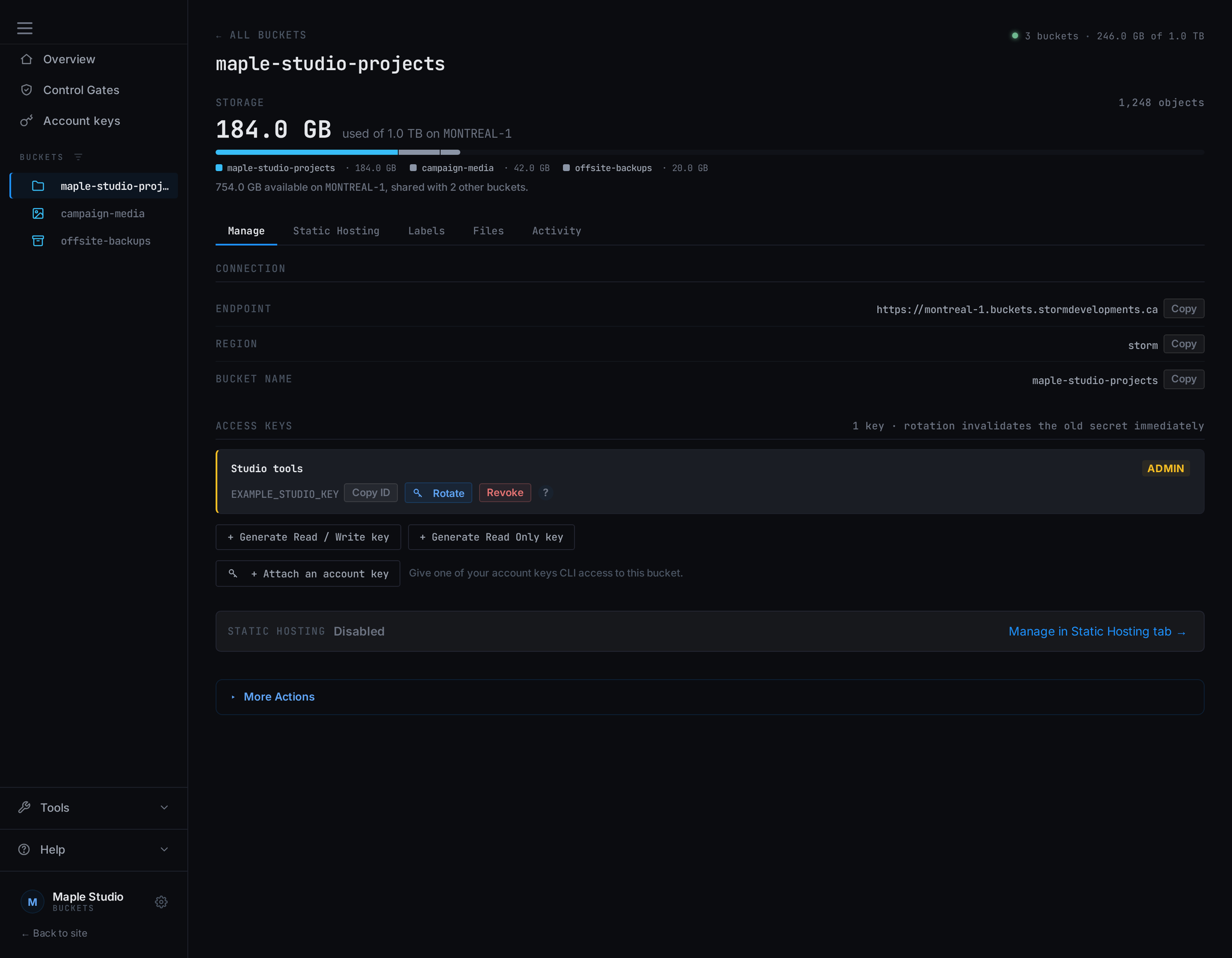
Connect your server
Use your bucket endpoint, region and an access key with rclone, the AWS CLI or your backup client.
Read the S3 connection guide →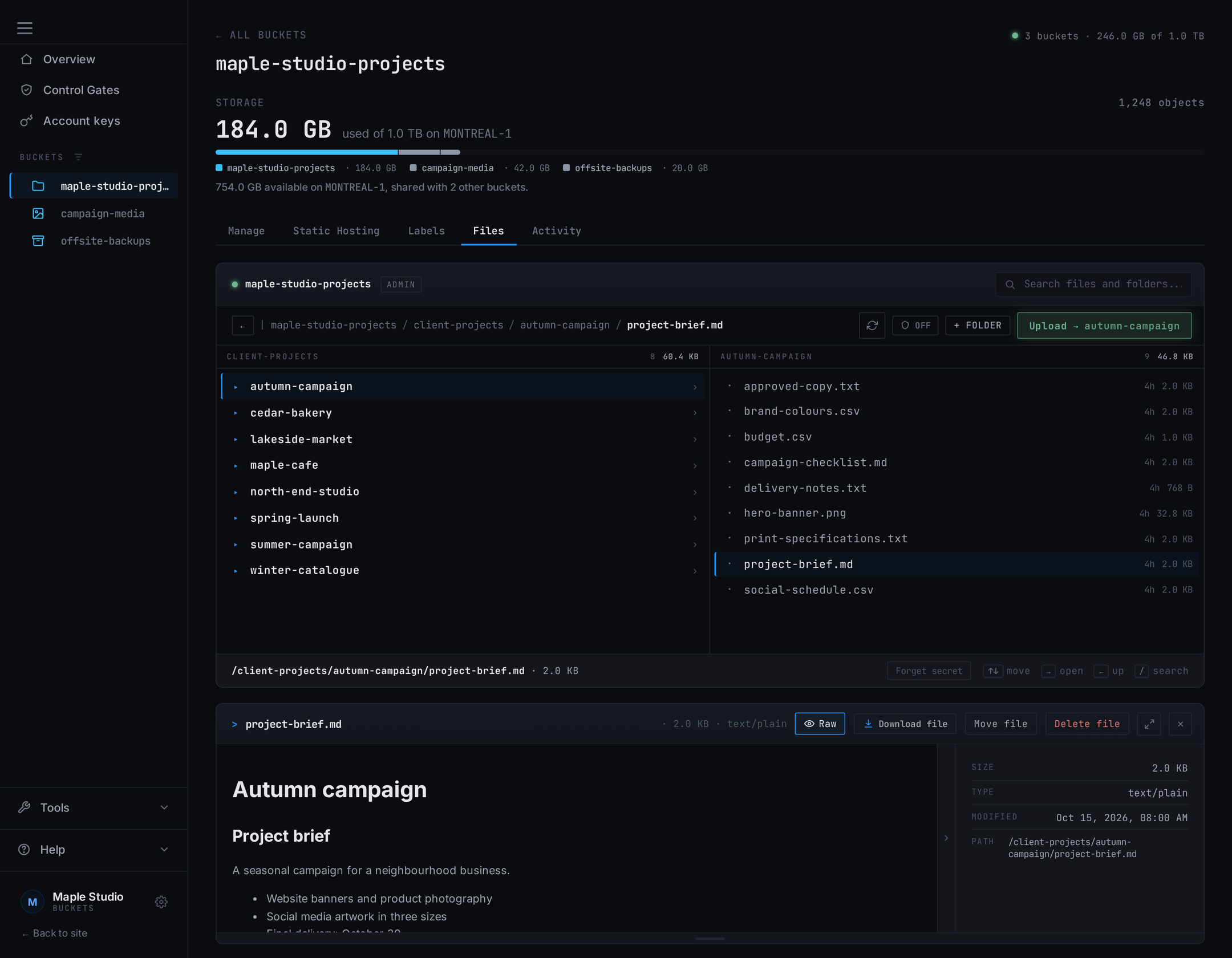
Sync with rclone
Run rclone sync or copy from a cron job on your server. The rclone guide has the working remote configuration.
Read the rclone guide →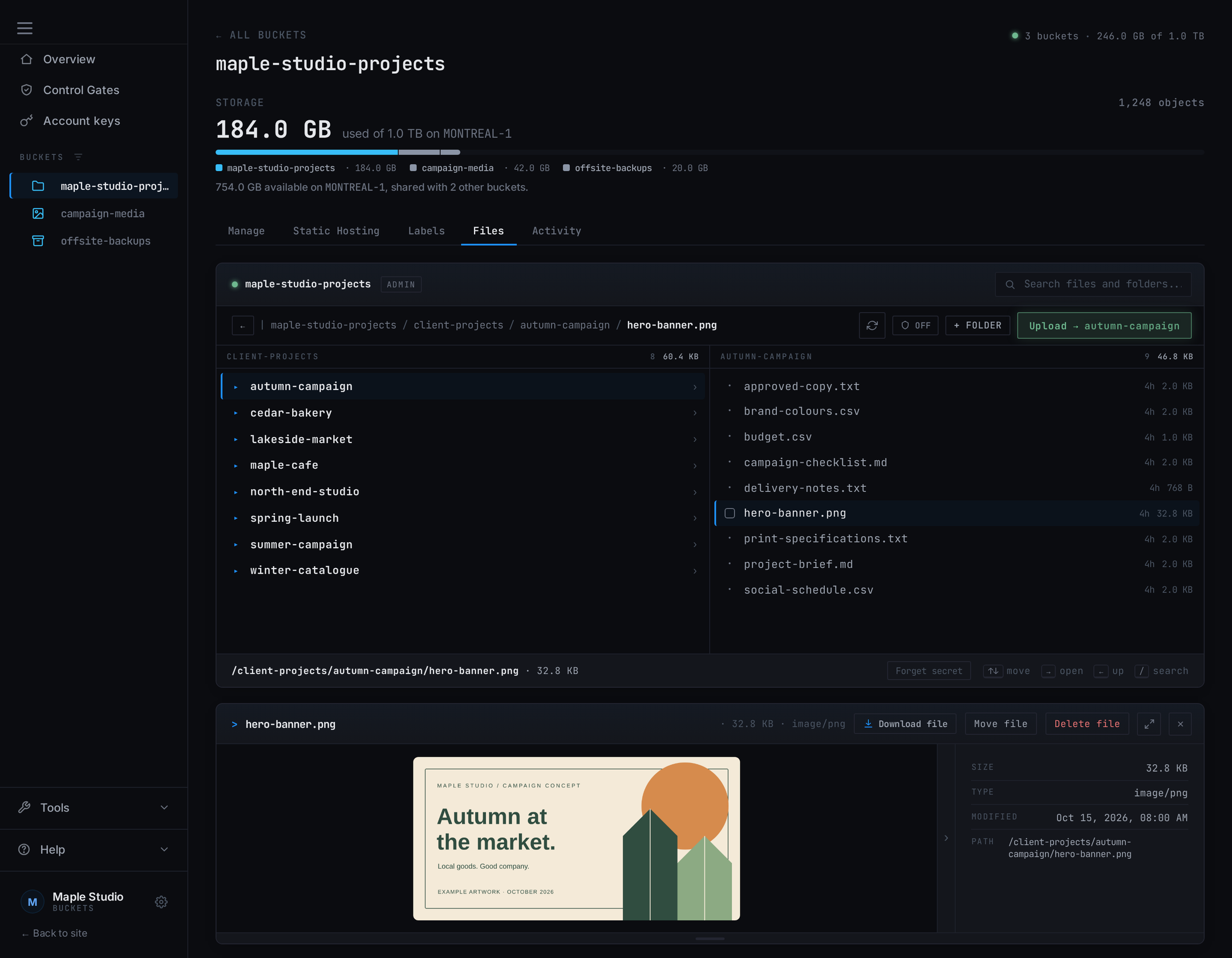
Check what landed
Browse the bucket from the dashboard and open a file to confirm the copy is what you expect.
Learn about Bucket Explorer →Use the tools you already run.
The connection guide has working configurations for rclone and the AWS CLI. Use the endpoint shown for your bucket,
region storm, your bucket name and an access key, with path-style addressing. Any backup client that
writes to S3 works the same way.
Garage, the storage engine, publishes its S3 compatibility reference, so you can check the calls your tool depends on before you point it here.
One key per machine.
Give each server or job its own key at the tier it needs: Read Only, Read / Write, or Admin. Revoke one key when a box is retired without touching the others. See how scoped keys work →
The copy outside the house.
Your bucket sits on Canadian, RAIDZ3-backed storage. Our infrastructure disclosures name the provider and facility behind it, and service status carries the published measurements.
The same tools that copy data in copy it back out. If you move providers, or bring the data home, nothing about the format is Storm's.
A copy, not a version history.
Garage implements neither object versioning nor object lock. A file changed at the source replaces its copy on the next sync, so keep history in your backup client when you need it. See what returns NotImplemented →
1 TB of Canadian storage. $9 CAD/month.
Start with one terabyte on montreal-1 and add capacity in 1 TB blocks as you grow. You pay for the blocks you choose, rather than each gigabyte used. Uploads and API requests are included. Data transfer never adds an overage charge. See the fair-use policy for transfer allowances and read throttling.
Plan around the copies you want off-site. A block bills the same whether it holds 100 GB or 950 GB, so the invoice does not move with a full disk.
1 TB of capacity. Add more in 1 TB blocks.
- ✓ Stack blocks as you grow
- ✓ Buckets and keys are not billed units
- ✓ Custom domains + static hosting
- ✓ Audit logs
Before you get started
Storage requests are reviewed by hand. Capacity is subject to availability. Pay by Interac e-Transfer. All accounts must meet our Acceptable Use Policy.