Canadian S3 storage for your applications.
An S3-compatible endpoint for uploads, media, and self-hosted services. Point your SDK, rclone, or the AWS CLI at it, and give each workload a key scoped to what it needs.
Hosted and Operated in Canada

Put it behind the software you build.
Application files
Store user uploads and media outside the application server. Let browsers upload directly, with per-bucket CORS rules naming the sites allowed to.
Self-hosted services
Give Nextcloud a Canadian storage destination through its S3-compatible external-storage feature. Use your Storm endpoint with path-style addressing.
Static sites and assets
Deploy static HTML, CSS, and JavaScript with Storm Sites. Serve your frontend and assets from a stormsites.ca subdomain or your own domain while keeping your application backend in your existing stack.
See Storm Buckets in action.
Product screens · example data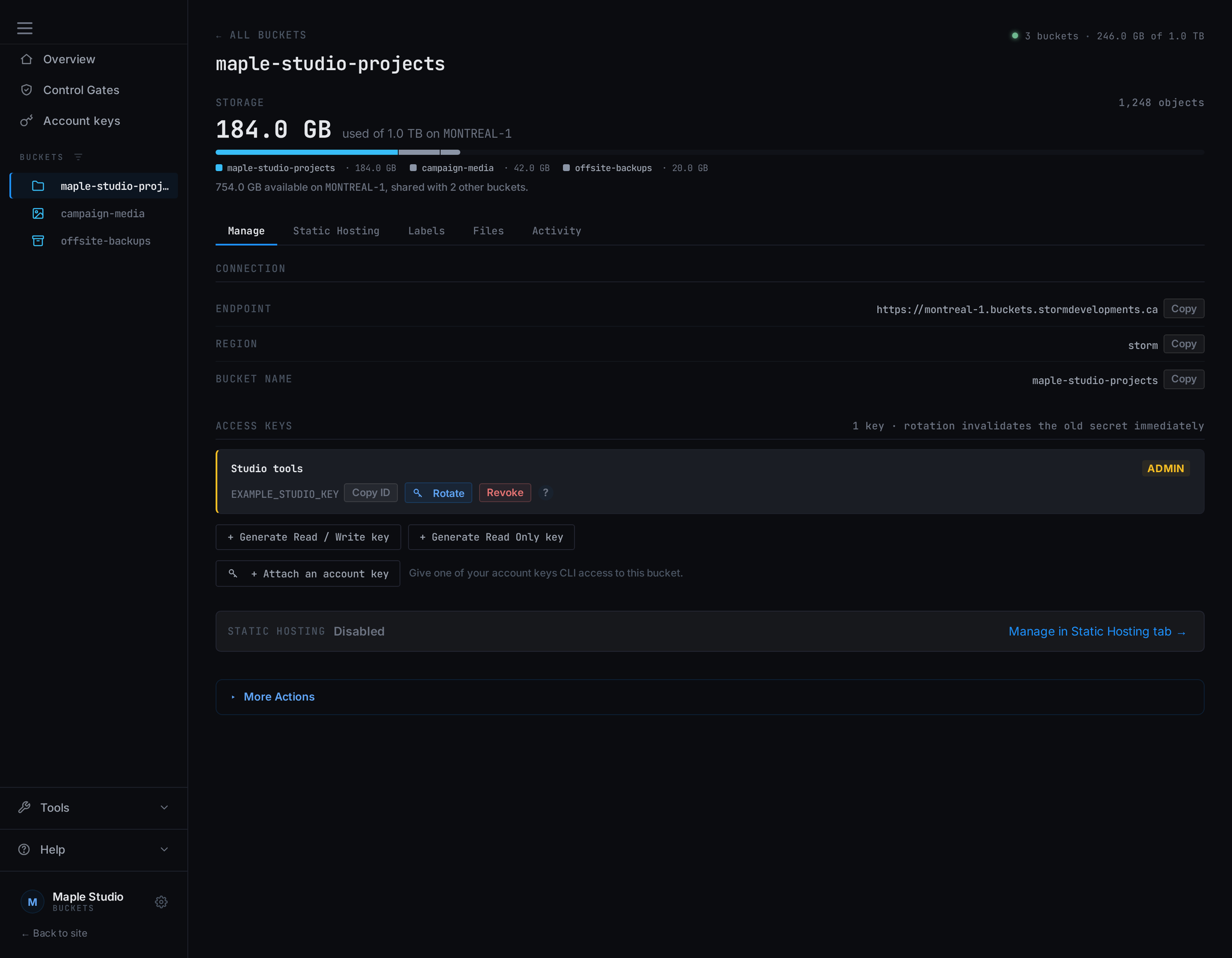
Get connected
Use your bucket endpoint, region, and scoped access key with compatible S3 clients.
Read the S3 connection guide →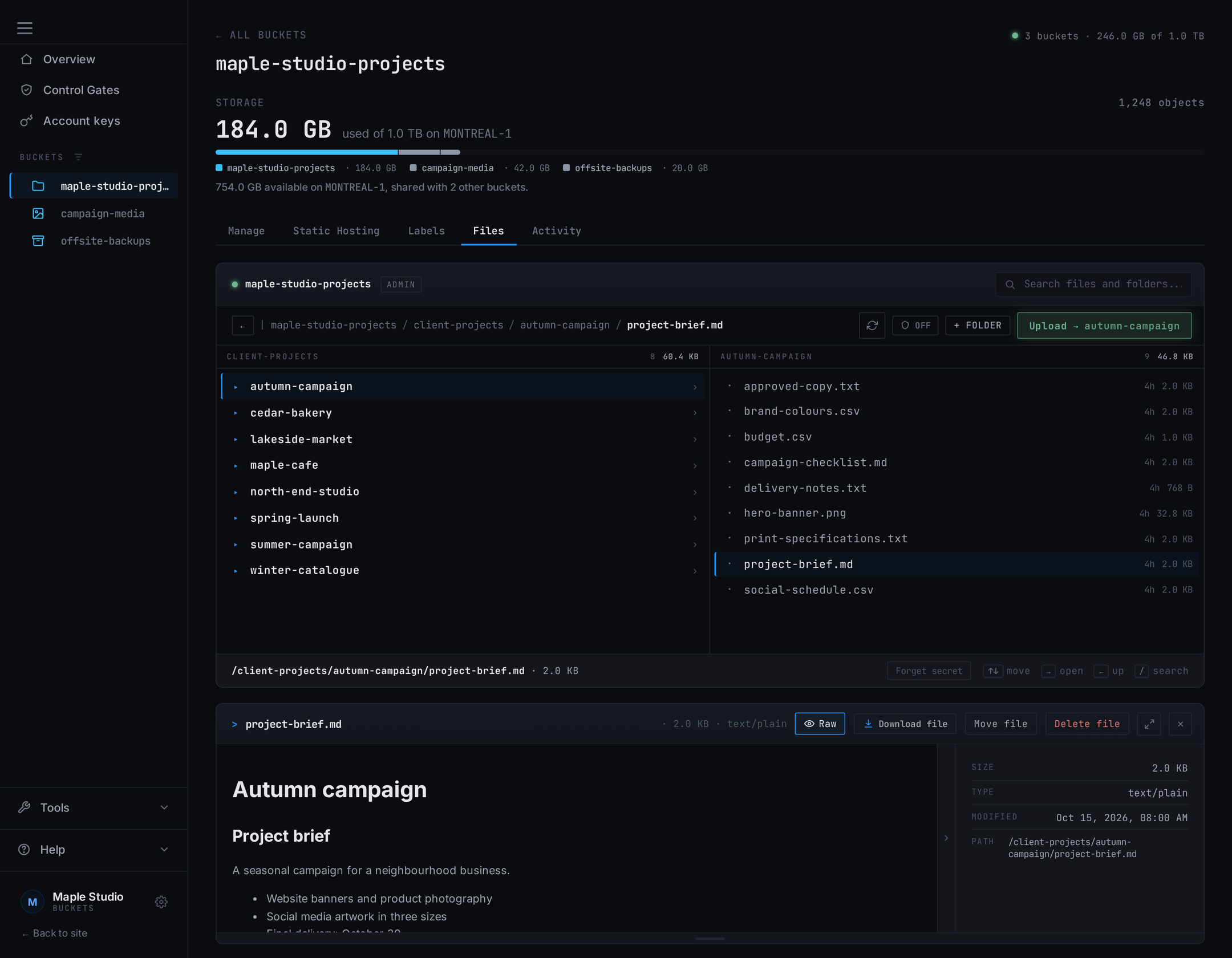
Inspect application files
Inspect uploaded objects through the dashboard while your application uses the S3 endpoint.
Learn about Bucket Explorer →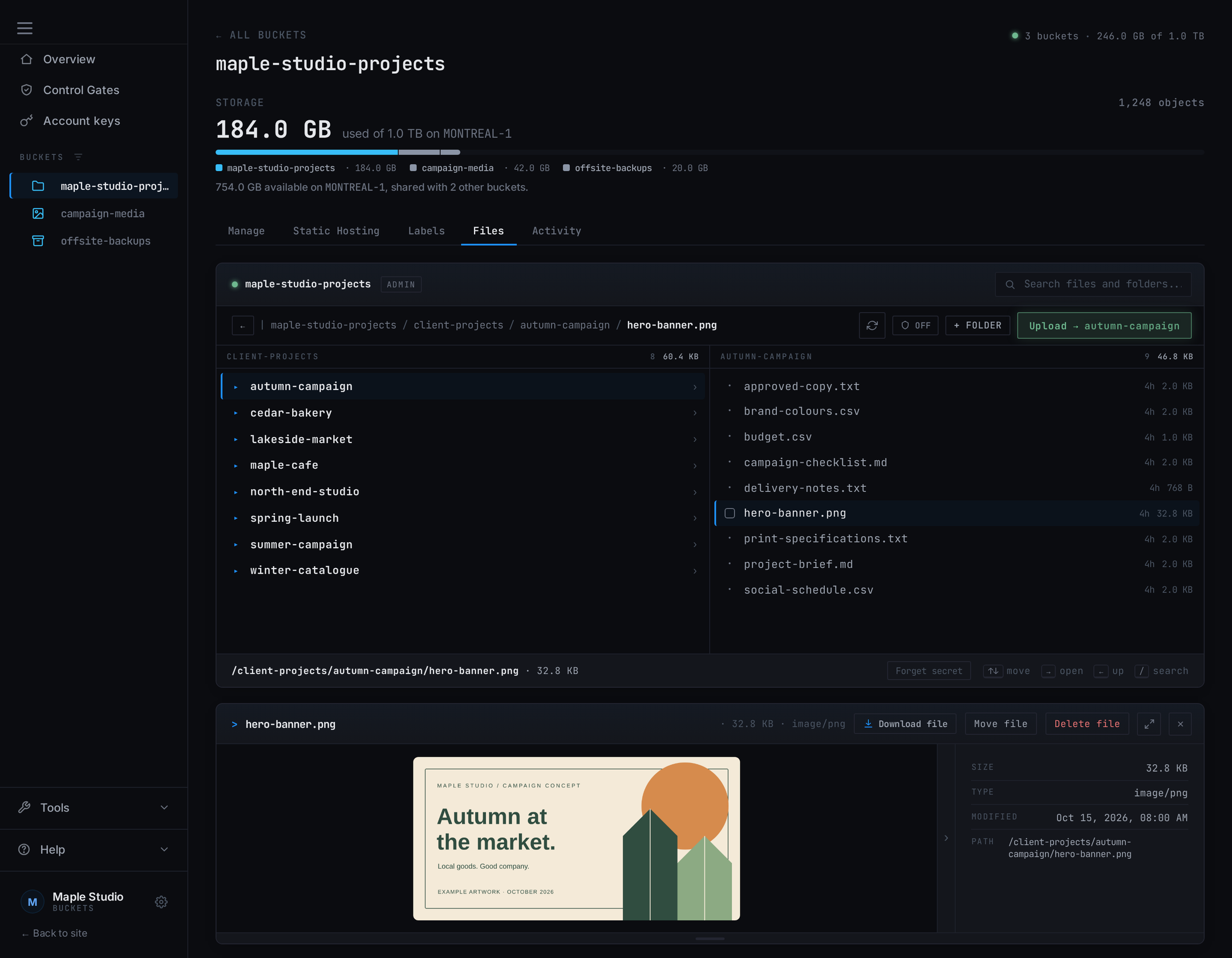
Preview an object
Open supported objects in the browser to check what your application stored.
Explore file previews →Connect with the tools you already use.
Our connection guide includes working configurations for rclone and the AWS CLI. Use the endpoint
shown for your bucket, region storm, your bucket name, and an access key.
Use path-style addressing for bucket URLs.
Build against the operations your application needs using Garage's published S3 compatibility reference. It documents the supported API calls so you can plan the integration.
Connect rclone or the AWS CLI →
Control access for each workload.
Give each workload a key at the tier it needs: Read Only, Read / Write, or Admin. Rotate keys from the dashboard as your deployments change, and revoke Read Only and Read / Write keys outright. See how scoped keys work →

Keep the stack open and the exit practical.
Garage is the open-source storage engine. Storm Pulse is our open-source operations agent. Storm contributes fixes upstream and publishes the principles and contributions behind the service.
Copy data in with Import, or use your own S3 tools. Those same tools can copy it back out, so your application keeps a practical path to another provider.
See where your data lives for the provider and facility chain, and service status for published measurements.
Check the S3 features you rely on.
Garage implements neither object versioning nor object lock. If your application depends on either, keep history in your application or backup tooling. See what returns NotImplemented →
1 TB of Canadian storage. $9 CAD/month.
Start with one terabyte on montreal-1 and add capacity in 1 TB blocks as you grow. You pay for the blocks you choose, rather than each gigabyte used. Uploads and API requests are included. Data transfer never adds an overage charge. See the fair-use policy for transfer allowances and read throttling.
If your application serves media publicly, plan for transfer: each month's allowance is 3x your capacity, and reads past it slow down rather than bill.
1 TB of capacity. Add more in 1 TB blocks.
- ✓ Stack blocks as you grow
- ✓ Buckets and keys are not billed units
- ✓ Custom domains + static hosting
- ✓ Audit logs
Before you get started
Storage requests are reviewed by hand. Capacity is subject to availability. Pay by Interac e-Transfer. All accounts must meet our Acceptable Use Policy.