Getting Started
What is Storm Buckets?
Storm Buckets is S3-compatible object storage hosted entirely in Canada. You store files in buckets and reach them with standard S3 credentials, so any S3 app or library works without changes. Your data stays on Canadian hardware, under Canadian law.
There are two ways to drive it. Click around the dashboard, or point your own S3 tooling at it and never open the dashboard again. This page walks the dashboard path; Connecting S3 Tooling covers the other.
How your storage works
Your account comes with one storage pool, shared by every bucket you make.
The Overview shows its size and how much you have used, updated live. When
it is full, uploads are refused until you delete objects or expand the pool.
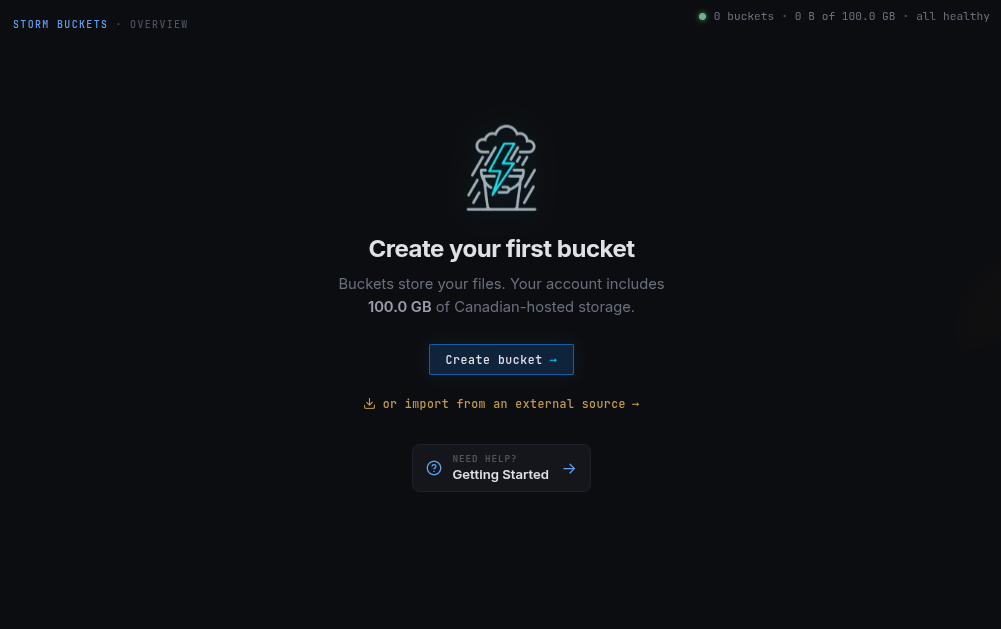
Create your first bucket
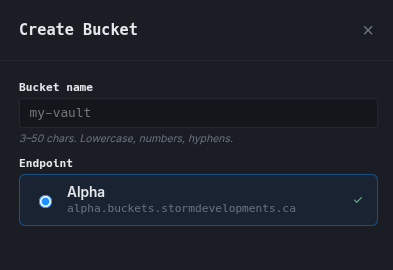
From the Overview, click Create bucket.
-
Name: 3 to 32 characters, lowercase letters, numbers, and hyphens, starting and ending with a letter or number.
-
Endpoint: where your bucket lives. During the alpha there is one, Alpha.
Wherever your bucket lives, S3 clients sign with
region = storm.
The endpoint URL is what selects the node.
Copy-ready configs are in Connecting S3 Tooling, starting with rclone.
Click create and the bucket appears on your Overview.
Create more buckets
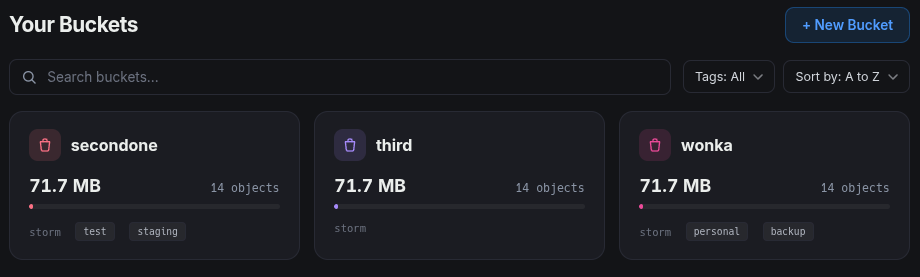
Already have a bucket? Use + New Bucket on the Overview to add another. Same
pool, same rules.
Access keys
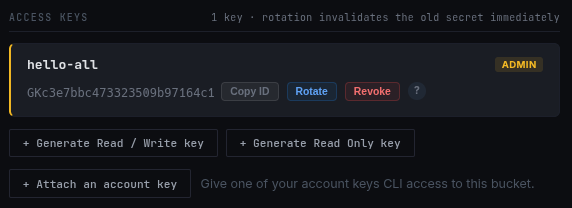
Your tools reach a bucket with an access key, and there are two kinds.
A per-bucket key is the default: created in the dashboard, scoped to one bucket.
An account key goes further: set one up and drive your storage entirely without the dashboard, creating and managing buckets with familiar tools like the aws cli, terraform, and rclone.
Next
You have a bucket. Two pages take it from here:
-
Managing Access Keys explains the two
kinds of key, what each can do, and how to rotate and revoke them safely.
Read this first. -
Connecting S3 Tooling gives you the
endpoint, region, and a config you can copy for aws cli, rclone, and more.